Crisis Response Download Hub
Sandbox demos, version notes, and trusted download routes for Windows players.
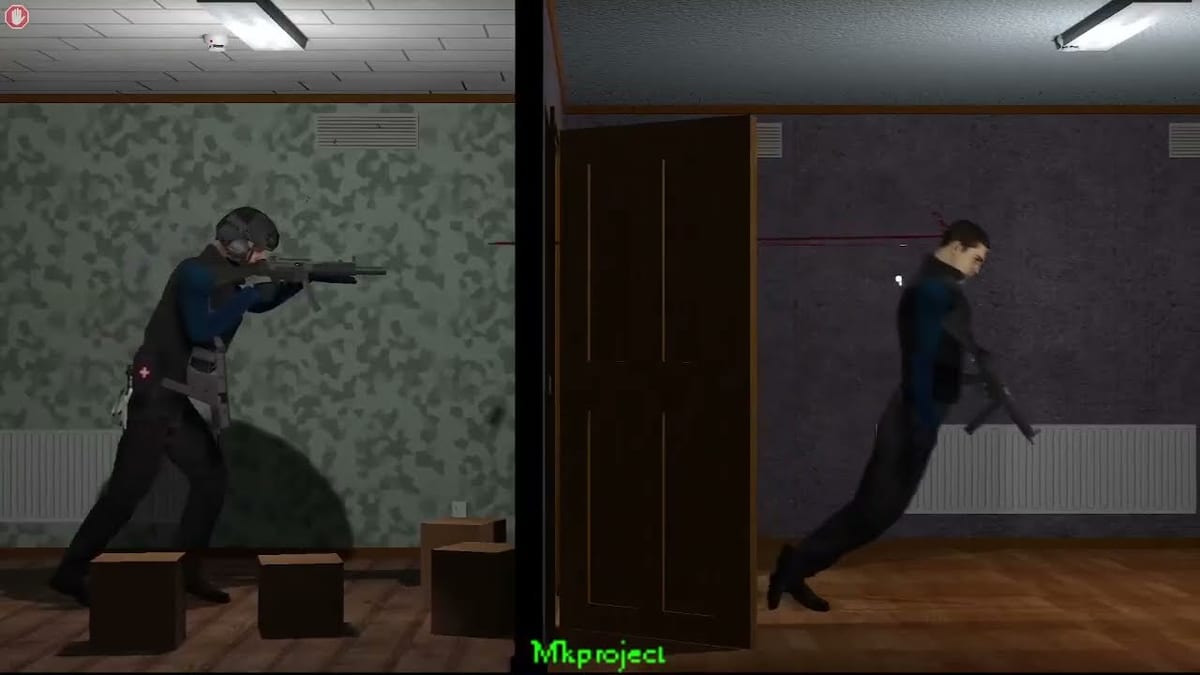
Crisis Response is still awaiting a full commercial release date, so the practical way to play today is through free Windows demos hosted on ModDB and IndieDB. This hub is the landing point for players who searched for a Crisis Response download, a sandbox installer, or a marksman demo and need a clear path instead of a scatter of outdated mirrors.
What you can download today
Developer isbeorn has shipped multiple sandbox-oriented builds under the Crisis Response project (historically also known as Blood Bullet). The build most players still cite is Sandbox 7 (cr-setup-0.0.9.7919f.exe), while later listings also mention Sandbox 8, Marksman demos, and community-side packages such as BPRE. Treat ModDB and IndieDB as the source of truth, not random reupload sites.
Use the Sandbox Versions page when you need a version-by-version comparison, then follow Install Troubleshooting if Windows Defender, missing runtimes, or performance settings block the first launch.
Why demos matter more than wishlists here
Because the full game remains TBD, community conversation clusters around sandbox rehearsal: terminal ballistics, wound timing, bullet time, and marksman overwatch. A correct download is not just “get any EXE” — it is about matching a build that still contains the systems you want to practice. Older demos can miss marksman AI orders or newer blood-stream visuals, while newer community packages may assume you already understand vanilla controls.
Safe download checklist
- Start from the official IndieDB Crisis Response page or the matching ModDB game page.
- Prefer files uploaded under the game’s own downloads section, not anonymous mirrors.
- Note the filename, size, and MD5 when ModDB publishes them (Sandbox 7 is roughly 59 MB).
- Create a restore point or at least a clean folder before installing overlays or mods.
- After install, validate controls with the Keyboard and Mouse guide before loading a live scenario.
After you install
New players should continue to How to Play, then study Ballistics and Injury and Medical. If you already know the vanilla loop and want a refreshed presentation, jump to Mods only after the base demo is stable. For a guided tick-list during setup, open the Demo Checklist Tool.
Related reading on this wiki
- Sandbox Walkthrough for mission flow once the demo boots.
- Marksman Manual Control if your build includes the bolt-action overwatch kit.
- Review if you are deciding whether Crisis Response is worth the learning curve versus other tactical shooters.
This hub stays focused on legitimate demo acquisition and install readiness. We will not list cracked full builds or unofficial torrents — if a download is not on ModDB or IndieDB under Crisis Response, treat it as untrusted.
Frequently Asked Questions
Quick answers to the most common questions.
Is Crisis Response free?
The sandbox and marksman demos on ModDB and IndieDB are free. A paid full release has not been finalized publicly.
Where is the safest download link?
Use the official ModDB or IndieDB downloads for the Crisis Response project rather than third-party mirrors.
Do I need Steam?
Current demos are Windows installers from ModDB and IndieDB. There is no required Steam storefront for those sandbox builds.
Which page explains Sandbox 7 versus later builds?
See the Sandbox Versions guide for a practical comparison before you install.