Crisis Response Tools Hub
Practical helpers for demo setup and first-session focus.
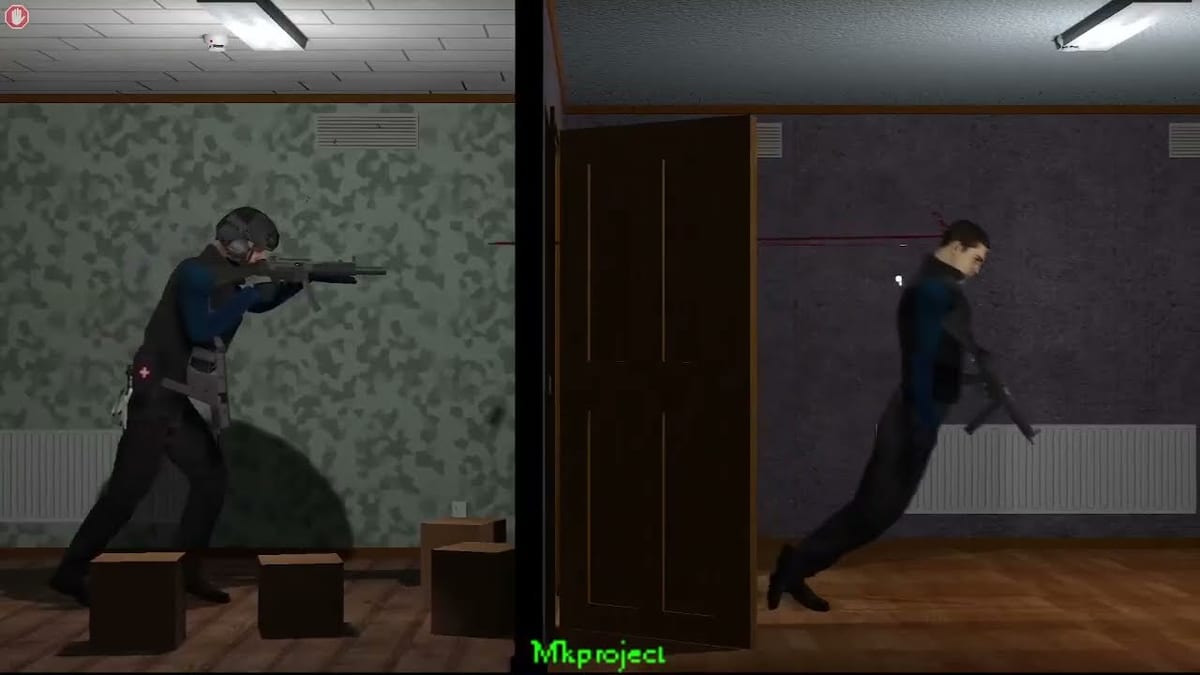
Not every Crisis Response problem needs another essay. Sometimes you need a checklist you can tick while the installer runs. This Tools Hub points to interactive helpers that support the rest of the wiki.
Featured tools
- Demo Checklist Tool — track download choice, install verification, controls confirmation, and first tactical goals.
- Performance Settings — Sandbox 7 benchmark habits, gore FPS drops, and stable frame pacing before you rewrite tactics.
How tools fit the learning path
Use tools beside Download, Install Troubleshooting, and How to Play. When a checkbox mentions marksman or medical clean runs, jump to Marksman or Injury and Medical for the deeper lesson.
What this is not
These tools are not cheats, trainers, or script injectors. They are wiki utilities for attention and setup quality.
Deep dive for Tools Hub
This section exists to make tools/index.mdx independently useful for searchers who land here first. In Crisis Response by isbeorn, demo knowledge is fragmented across ModDB posts, sandbox builds, and community videos. A durable player habit is to translate every tip into a concrete sandbox experiment you can finish in under fifteen minutes.
For Tools Hub, define success before you launch: one measurable outcome such as a medical-clean clear, a hostage-safe doorway solution, a marksman lane that actually fires, or a verified clean install. If you cannot name the outcome, you are browsing, not practicing. Browse the Links Hub later; practice now.
Scenario rehearsal tied to tools
Create three short rehearsals that only test what this page teaches. Rehearsal A is slow and narrated out loud. Rehearsal B is at normal speed with one constraint from Ballistics or Injury and Medical. Rehearsal C is a pressure run where you allow bullet time only once. Write a single sentence after each rehearsal. Keep those sentences in a text file named after your installer so advice stays version-aware while the full release remains TBD.
Decision checklist you can reuse
- Confirm your build identity and whether marksman systems exist.
- Confirm controls are comfortable enough that bindings are not the bottleneck.
- Apply the core advice from Tools Hub without mixing in unrelated mod changes.
- Abort if medical timers demand it; count aborting as disciplined play.
- Only after two improved vanilla runs should you consider presentation mods.
Common false conclusions to avoid on this route
Players often conclude the demo is random when they actually changed aim elevation, loadout lethality, and entry order in the same attempt. Others conclude a guide is obsolete when they are on an older sandbox package. A third group concludes they need mods when they have not finished a careful How to Play clear. Use this page to reject those false conclusions with evidence from your own rehearsals.
Hand-off to related wiki routes
When Tools Hub feels clear, jump to the next friction point rather than rereading forever. Download problems go to Download and Install Troubleshooting. Confusion about projectiles goes to Ballistics. Post-fight collapses go to Injury and Medical. Doorway chaos goes to Entry Planning and Hostage Rescue. Overwatch confusion goes to Marksman AI Orders or Manual Control. Setup sequencing goes to the Demo Checklist Tool. Comparative expectations go to Review and vs Ready or Not.
Why depth matters for an unfinished game
TBD release status does not mean advice should be shallow. It means advice should be explicit about uncertainty, version naming, and demo goals. Crisis Response still has a coherent fantasy: least possible loss of life under harsh projectile and physiology rules. Every page on this wiki, including Tools Hub, should make that fantasy more playable tonight on Windows, not more mysterious.
Additional rehearsal note 1 for tools/index.mdx: change only one variable, keep the same map seed if your sandbox allows, and compare wound events before you change loadout again.
Frequently Asked Questions
Quick answers to the most common questions.
Is the checklist online-only?
It runs in your browser on this site and stores ticks locally.
Do tools replace guides?
No. They sequence guides.
Any other tools planned?
The demo checklist is the primary helper for this launch.
Related download page?
Download Hub.